Starlight Photo Effect - Add Magical Sparkles Online Free
Transform your photos with magical sparkle and light flares. Free, instant, and no software required.
Try Starlight Effect Free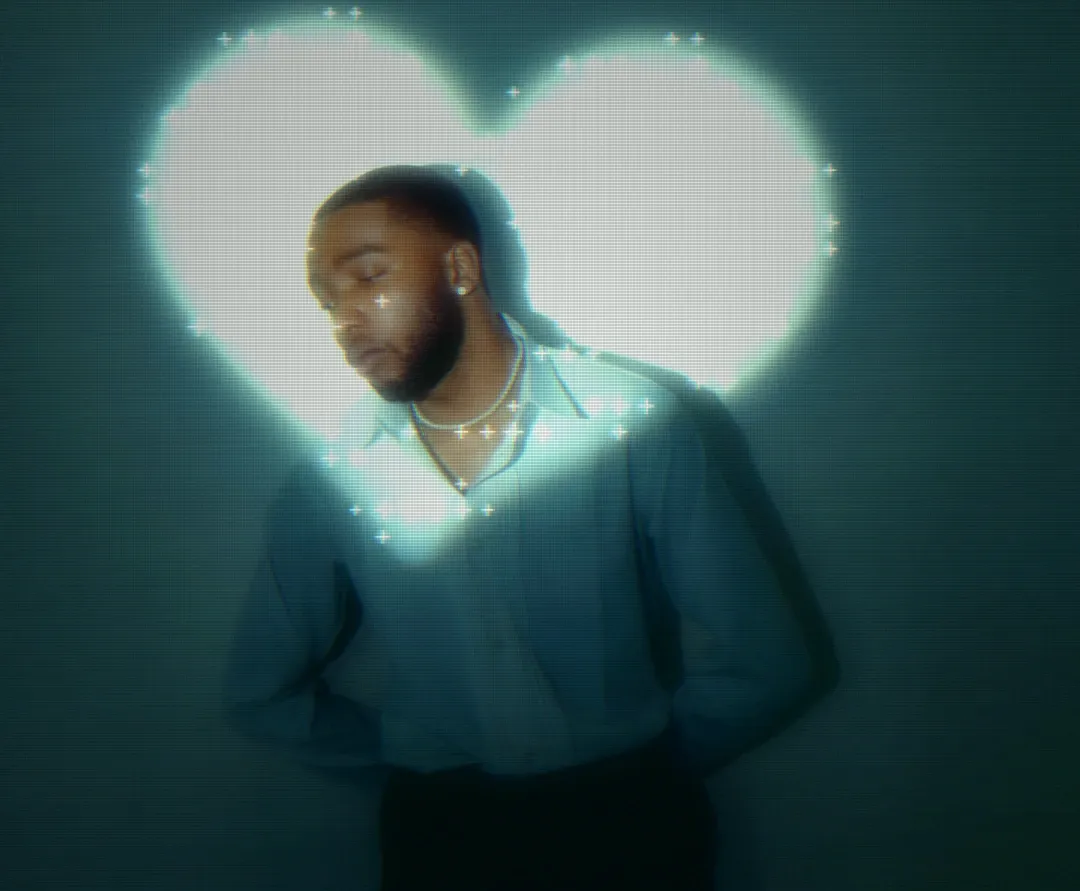
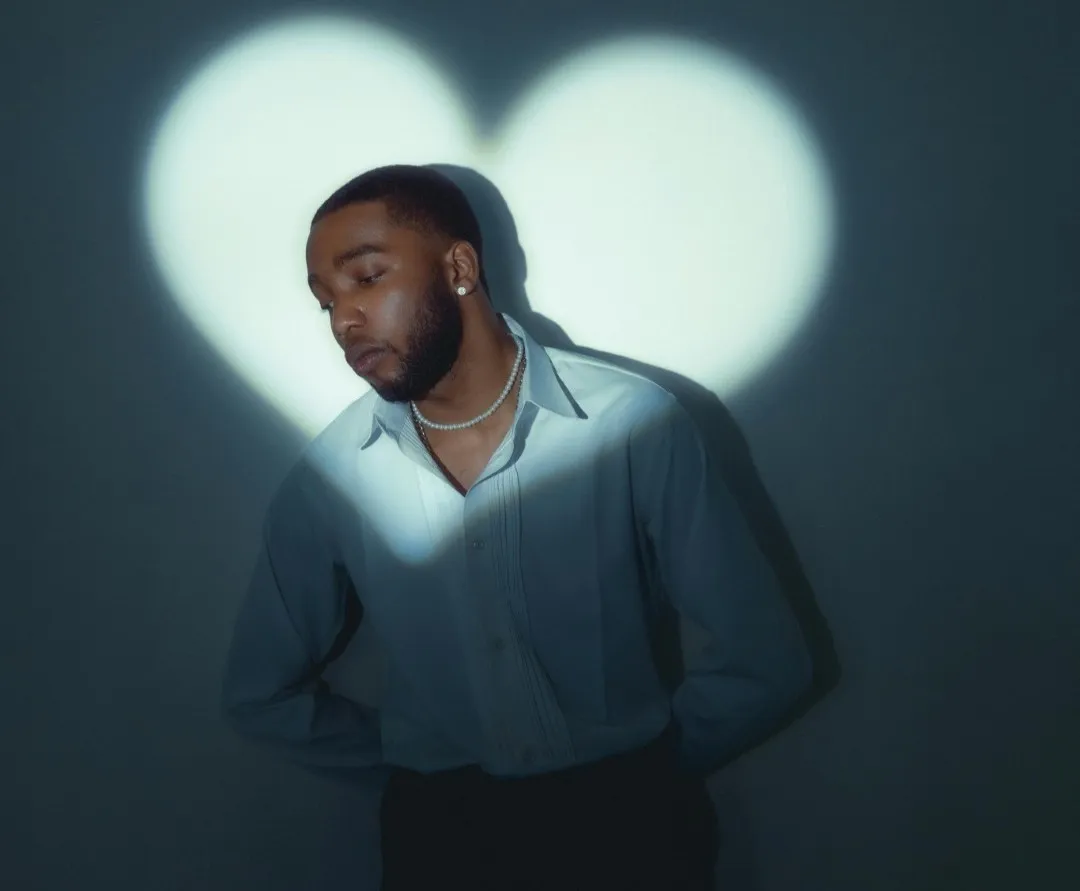
What is a Starlight Photo Effect? The Magical Sparkle Explained
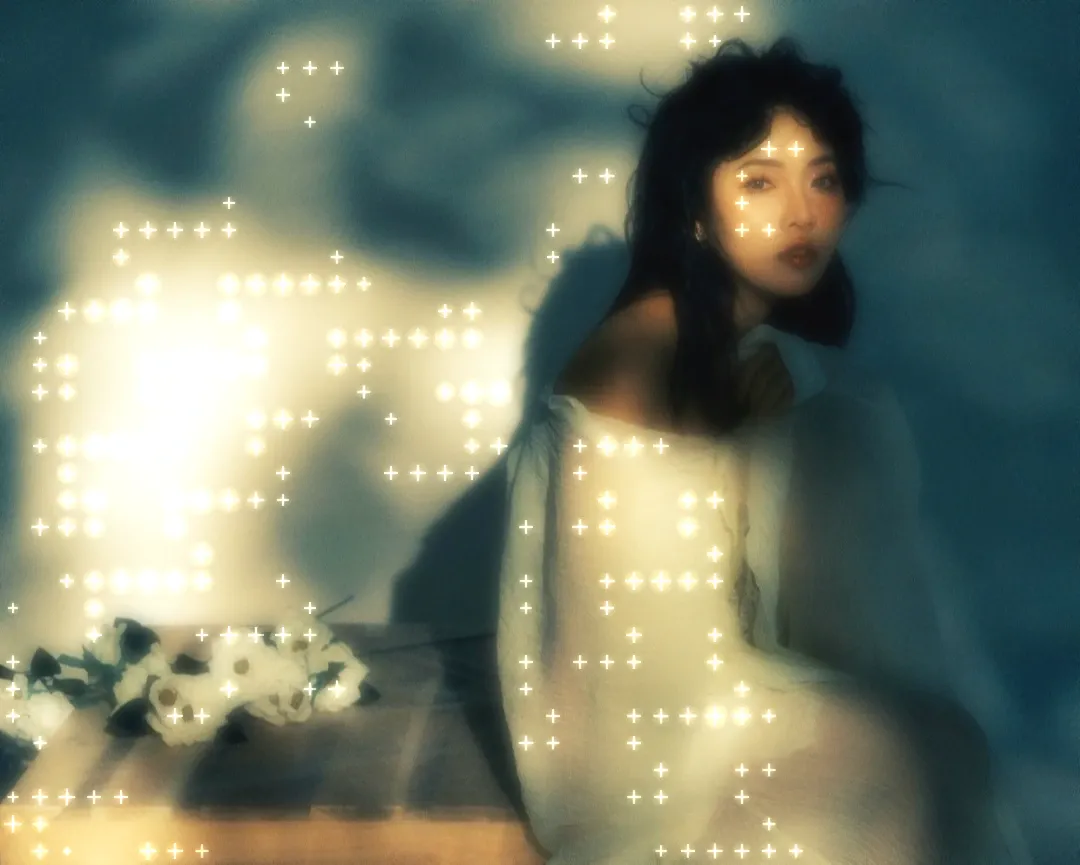
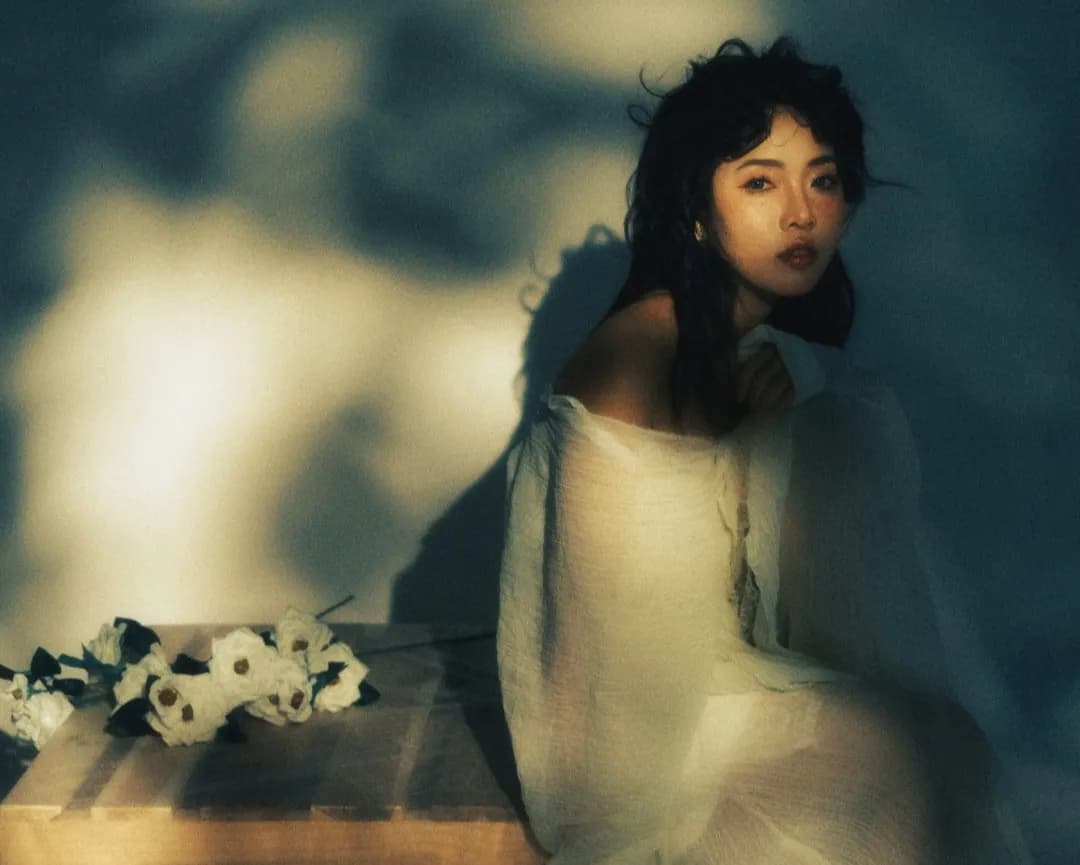
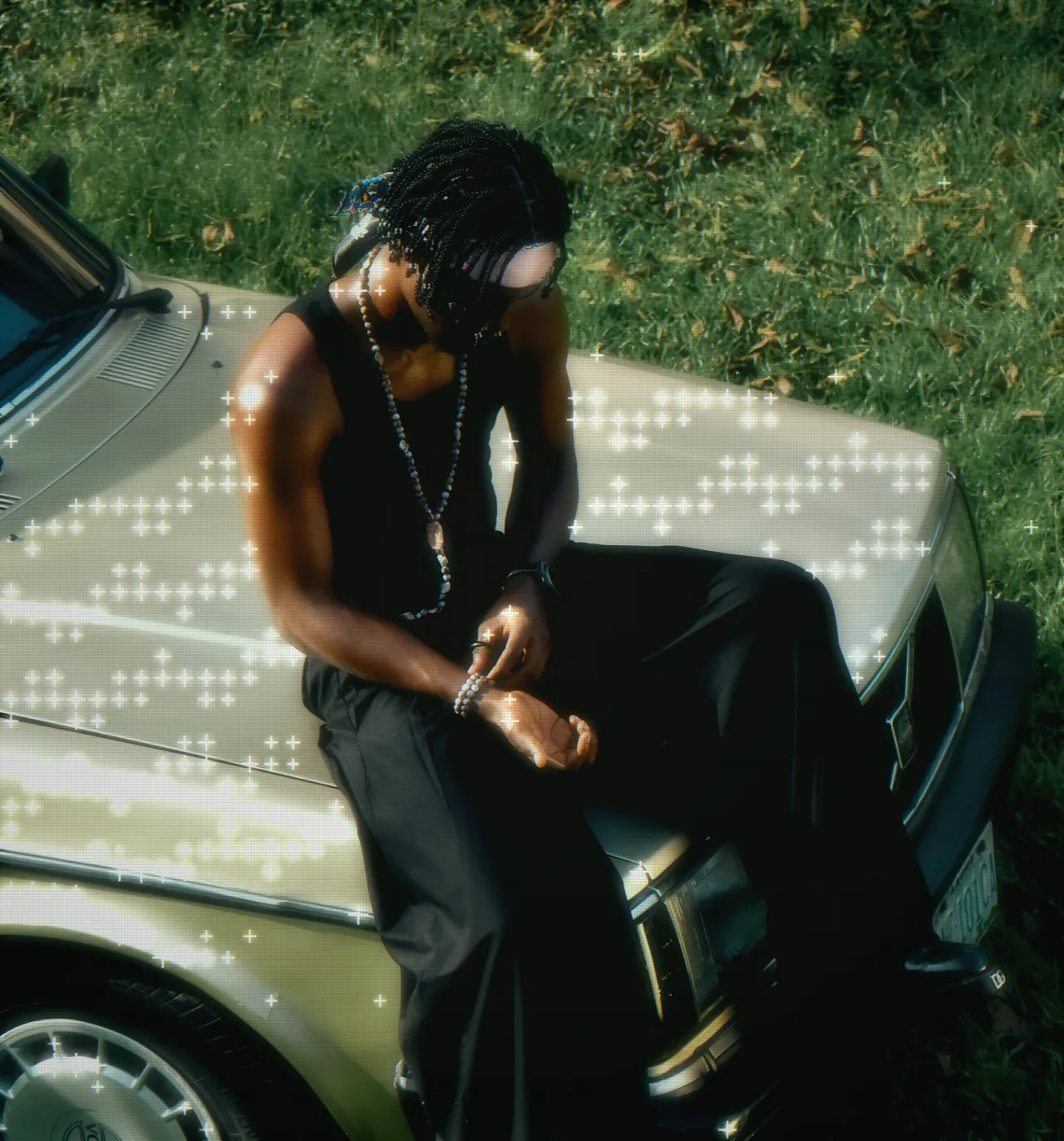
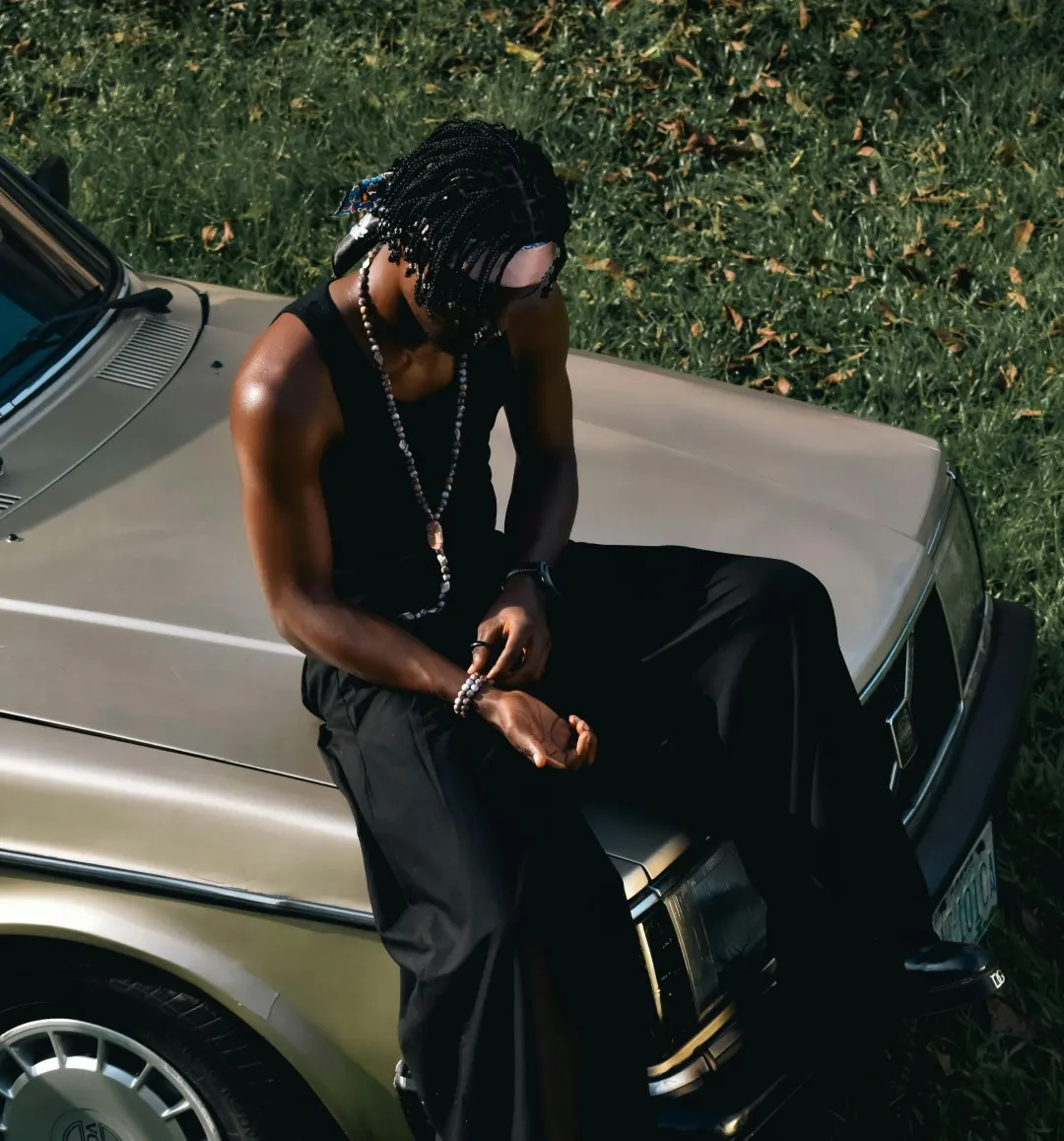
A starlight photo effect adds magical sparkle and light flares to your images, creating tiny twinkling stars and light bursts that enhance the dreamy, enchanting quality of your photos. This effect mimics the appearance of stars, sparkles, and light reflections, adding a whimsical, magical atmosphere that transforms ordinary photos into ethereal, otherworldly images. The starlight effect works particularly well on photos with highlights, lights, or reflective surfaces, creating beautiful light flares and sparkles that add depth and visual interest to your images.
Unlike traditional photo editing that requires expensive software and complex techniques, DreamyGlow makes it possible to add starlight effects to your photos instantly with just a few clicks. Our free starlight photo effect uses advanced algorithms to detect highlights and light sources in your images, then applies natural-looking sparkles and light flares that enhance your photo without making it look over-processed. The starlight effect works wonderfully when combined with our soft glow for romantic portraits, or try the ethereal glow for a more mystical look. Whether you are working with portraits, wedding photography, or night scenes, the starlight effect adds that perfect touch of magic that elevates your photos from ordinary to extraordinary.
What sets DreamyGlow apart is our commitment to making professional photo effects accessible to everyone. Our starlight effect is free to try with a watermarked preview, and works instantly in your browser. You do not need any editing skills or expensive software, just upload your photo, apply the starlight effect, and download your transformed image. The entire process takes seconds, making it perfect for social media creators, photographers, and anyone who wants to add a touch of magical sparkle to their photos.
Best Starlight Settings for Different Photos
For Portraits
- Intensity: 60-80%
- Blur Radius: 40-60%
- Best for: Romantic, flattering portraits
- Tip: Keep glow intensity higher for soft, dreamy look
For Landscapes
- Intensity: 40-60%
- Blur Radius: 30-50%
- Best for: Ethereal, atmospheric scenes
- Tip: Focus on maintaining sky and horizon definition
For Instagram Posts
- Intensity: 70-90%
- Blur Radius: 50-70%
- Best for: Bold aesthetic, cohesive feeds
- Tip: Combine with slight warmth adjustment (+10-15)
For Product Photography
- Intensity: 30-50%
- Blur Radius: 20-40%
- Best for: Elegant, premium feel
- Tip: Keep details sharp while adding subtle glow
How to Add Starlight Effects to Your Photos (Step-by-Step)
1. Upload Your Photo
Start by uploading your photo to DreamyGlow. Our platform supports all common image formats including JPG, PNG, and WebP. Simply drag and drop your image or click to browse your files. There is no file size limit, and your photos are processed securely in your browser.
2. Apply Starlight Effect
Once your photo is uploaded, select the starlight effect from our collection of magical photo effects. You can preview the transformation in real-time and adjust the sparkle intensity and starlight density to match your vision. The starlight effect works automatically, detecting highlights and light sources to create that perfect magical look.
3. Download Your Photo
When you are happy with the result, simply click download to save your transformed photo. Your image is processed in high quality, ready to use for social media, printing, or any other purpose. Full-resolution exports have no watermark and no extra compression — just your beautiful photo with the starlight effect applied.
Perfect For: Who Should Use Starlight Effects
Starlight effects are perfect for a wide range of photography styles and use cases. Portrait photographers love using starlight effects to create magical, enchanting images, especially photos with highlights or catchlights in the eyes, adding a dreamy, fairytale-like quality to their work. Wedding photographers and engagement photographers use starlight effects to add romance and magic to their images, creating photos that feel like something out of a storybook. The sparkle and light flares enhance the emotional impact of special moments, making memories even more beautiful and timeless.
Night photographers and cityscape photographers find starlight effects particularly useful for enhancing lights and creating magical atmospheres in urban photography. Fashion photographers use starlight effects to add glamour and sparkle to their shoots, creating images that feel luxurious and enchanting. For atmospheric depth, explore our haze filter. Even casual photographers can benefit from starlight effects when they want to transform everyday snapshots into something special with a touch of magic. Whether you are a professional photographer or someone who just loves beautiful, magical photos, the starlight effect is a versatile tool that enhances almost any image.
Starlight vs Other Effects
Starlight vs Soft Glow
Starlight:
- ✓ Magical sparkles and light flares
- ✓ Best for romantic and wedding photos
- ✓ Adds twinkling stars
- → Try Starlight Effect
Soft Glow:
- ✓ Subtle, romantic look
- ✓ Best for portraits and everyday photos
- ✓ Creates light bloom
- → Try Soft Glow
Starlight vs Ethereal Glow
Starlight adds magical sparkles and light flares perfect for romantic photography, while ethereal glow creates a stronger mystical, spiritual transformation ideal for artistic shots.
When to Use Starlight vs Haze Filter
- Starlight: Magical sparkles for romantic, wedding, and night photography
- Haze Filter: Atmospheric depth for landscapes and moody scenes
Before & After Examples