Soft Glow Effect – Subtle Dreamy Bloom for Portraits
Soft glow adds gentle light bloom around highlights for a romantic, natural look — ideal when you want dreamy polish without a bold halo. Free watermarked preview; full-resolution from $1.99.
Try Soft Glow Free Now
Before & After Dreamy Glow Effect
The Dreamy Glow Effect – Soft Glow Filter Explained
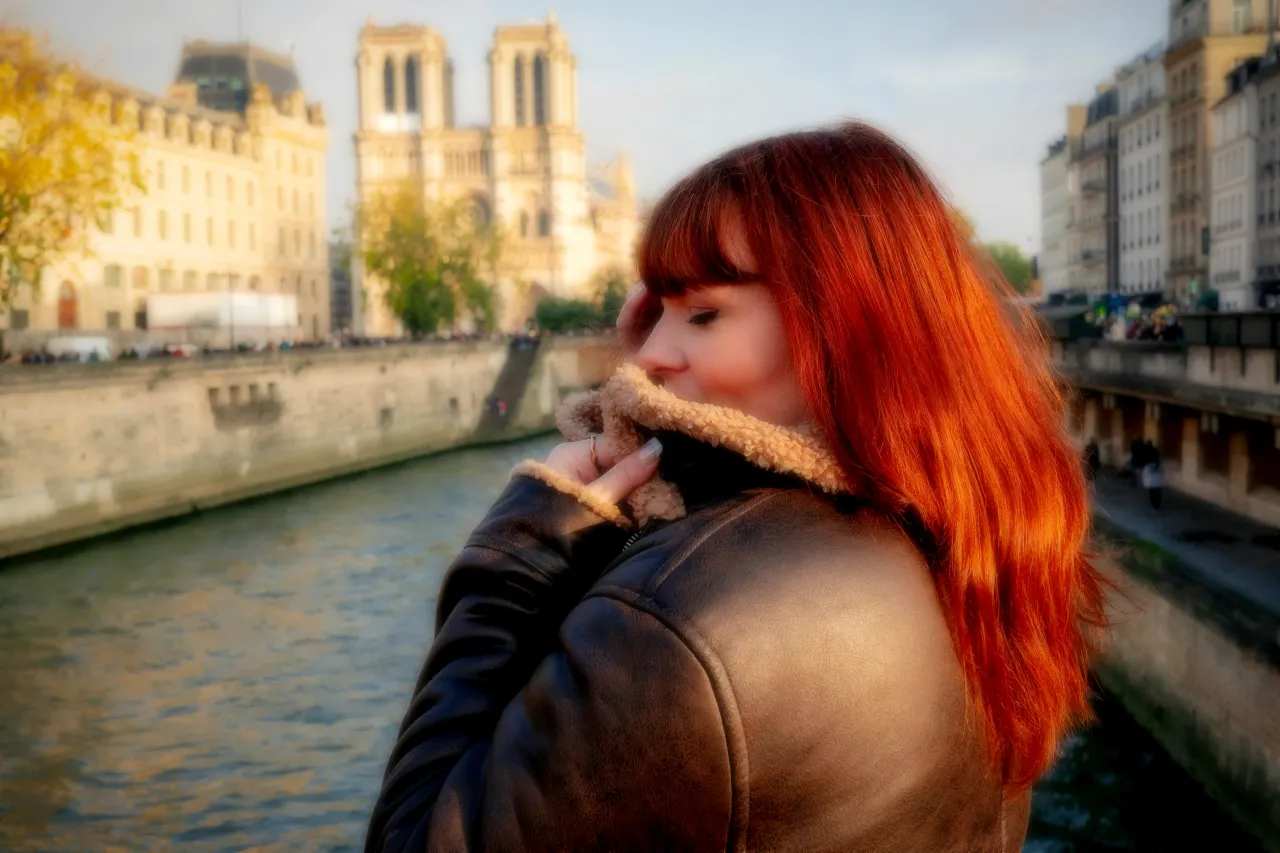
Soft glow is DreamyGlow's subtle romantic bloom: it brightens highlights and softens edges just enough to flatter skin and golden-hour light, while keeping detail readable. Reach for it when you want a natural dreamy finish — not a high-intensity aesthetic halo.
Portrait and wedding photographers use soft glow for flattering light; landscape shooters keep intensity lower on golden hour scenes. For a stronger, more obvious luminous halo built for bold social aesthetics, use our Glow Filter instead. Prefer atmospheric mist over bloom? Try the haze filter. Compare all three glow styles in our soft glow vs ethereal vs glow filter guide.
Best Soft Glow Settings for Different Photos
For Portraits
- Intensity: 60-80%
- Blur Radius: 40-60%
- Best for: Romantic, flattering portraits
- Tip: Keep glow intensity higher for soft, dreamy look
For Landscapes
- Intensity: 40-60%
- Blur Radius: 30-50%
- Best for: Ethereal, atmospheric scenes
- Tip: Focus on maintaining sky and horizon definition
For Instagram Posts
- Intensity: 40-70%
- Blur Radius: 35-55%
- Best for: Soft romantic feeds and portraits
- Tip: Keep soft glow moderate; for bold thumbnail glow use Glow Filter
For Product Photography
- Intensity: 30-50%
- Blur Radius: 20-40%
- Best for: Elegant, premium feel
- Tip: Keep details sharp while adding subtle glow
How to Add a Dreamy Glow Effect
1. Upload Your Photo
Start by uploading your photo to DreamyGlow. Our platform supports all common image formats including JPG, PNG, and WebP. Simply drag and drop your image or click to browse your files. There is no file size limit, and your photos are processed securely in your browser.
2. Apply Soft Glow Effect
Once your photo is uploaded, select the soft glow filter to create a dreamy glow effect. Preview in real-time and adjust intensity to match your vision. The filter detects highlights and edges to create that perfect ethereal look.
3. Download Your Photo
When you are happy with the result, simply click download to save your transformed photo. Your image is processed in high quality, ready to use for social media, printing, or any other purpose. Full-resolution exports have no watermark and no extra compression — just your beautiful photo with the dreamy glow effect applied.
Perfect For:
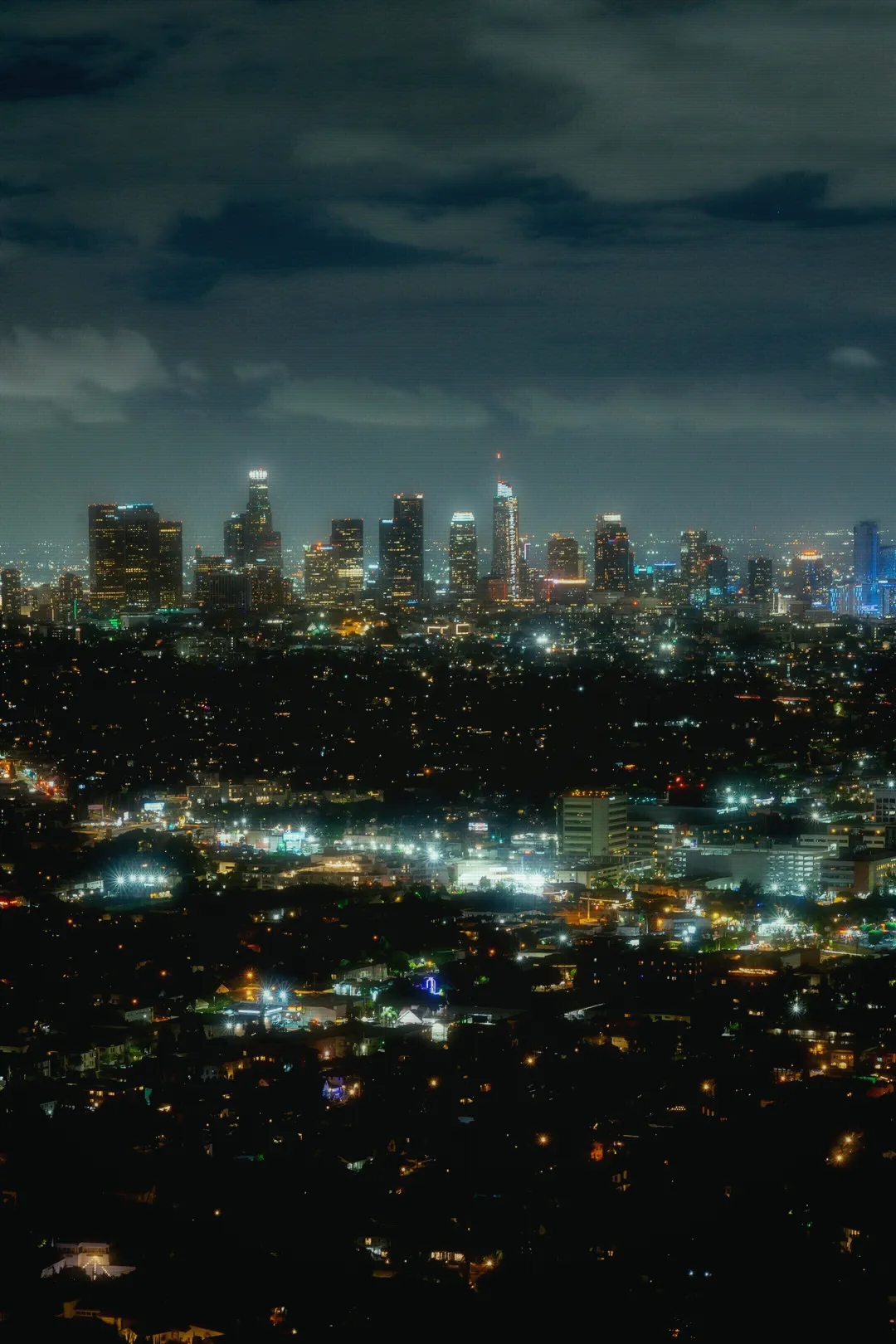
The soft glow effect is perfect for a wide range of photography styles and use cases. Instagram creators love using soft glow to create cohesive, aesthetic feeds that stand out from the crowd. Portrait photographers use it to add a romantic, flattering quality to their subjects, softening skin tones and creating that perfect dreamy atmosphere. Landscape photographers apply soft glow to enhance golden hour shots and create ethereal, otherworldly scenes.
Product photographers find soft glow particularly useful for creating elegant, premium-looking product shots that draw attention. Wedding and event photographers use it to add a romantic, timeless quality to their images. For vintage aesthetics, explore our vintage CRT effect. Even casual photographers can benefit from soft glow effects when they want to transform everyday snapshots into something special. Whether you are a professional photographer or someone who just loves beautiful photos, the soft glow effect is a versatile tool that enhances almost any image.
Soft Glow vs Other Effects
Soft Glow vs Glow Filter
| Attribute | Soft Glow | Glow Filter |
|---|---|---|
| Intent | Subtle romantic bloom | Bold luminous halo |
| Best for | Portraits, natural light, soft dreamy edits | Social aesthetics, stronger glow, neon-ish looks |
| When to skip | If you need a loud, high-impact glow | If you want barely-there polish only |
| Try | This page | Glow Filter → |
Full walkthrough: Soft Glow vs Ethereal Glow vs Glow Filter.
Soft Glow vs Haze Filter
Soft Glow:
- ✓ Best for portraits
- ✓ Focuses on highlights
- ✓ Creates light bloom
- → Soft Glow
Haze Filter:
- ✓ Best for landscapes
- ✓ Adds atmospheric depth
- ✓ Creates misty effect
- → Try Haze Filter
Soft Glow vs Gaussian Blur
The key difference: soft glow preserves details while adding light bloom around highlights, whereas Gaussian blur simply softens the entire image uniformly.
When to Use Soft Glow vs Ethereal Glow
- Soft Glow: Subtle, romantic look for everyday photos
- Ethereal Glow: Stronger, mystical effect for artistic shots
Soft Glow Effect Examples