Create Dreamy Photos
In Seconds
Transform your photos into ethereal masterpieces with our professional-grade effects. Add dreamy photo effects and vintage CRT filters instantly.
- Free preview
- Sign in to edit
- Full resolution from $1.99
- In-browser
Preview loaded.
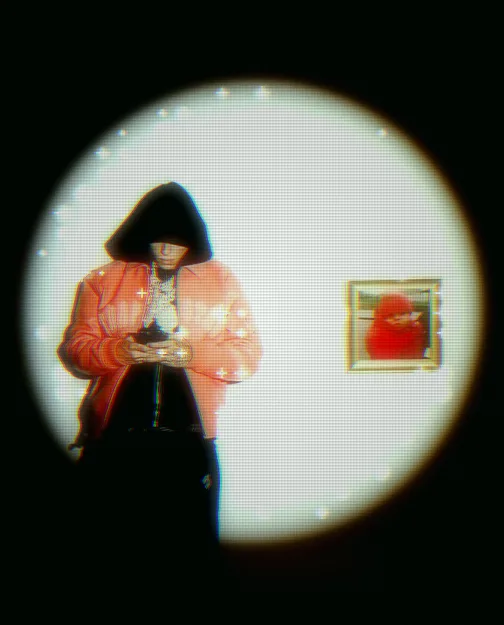
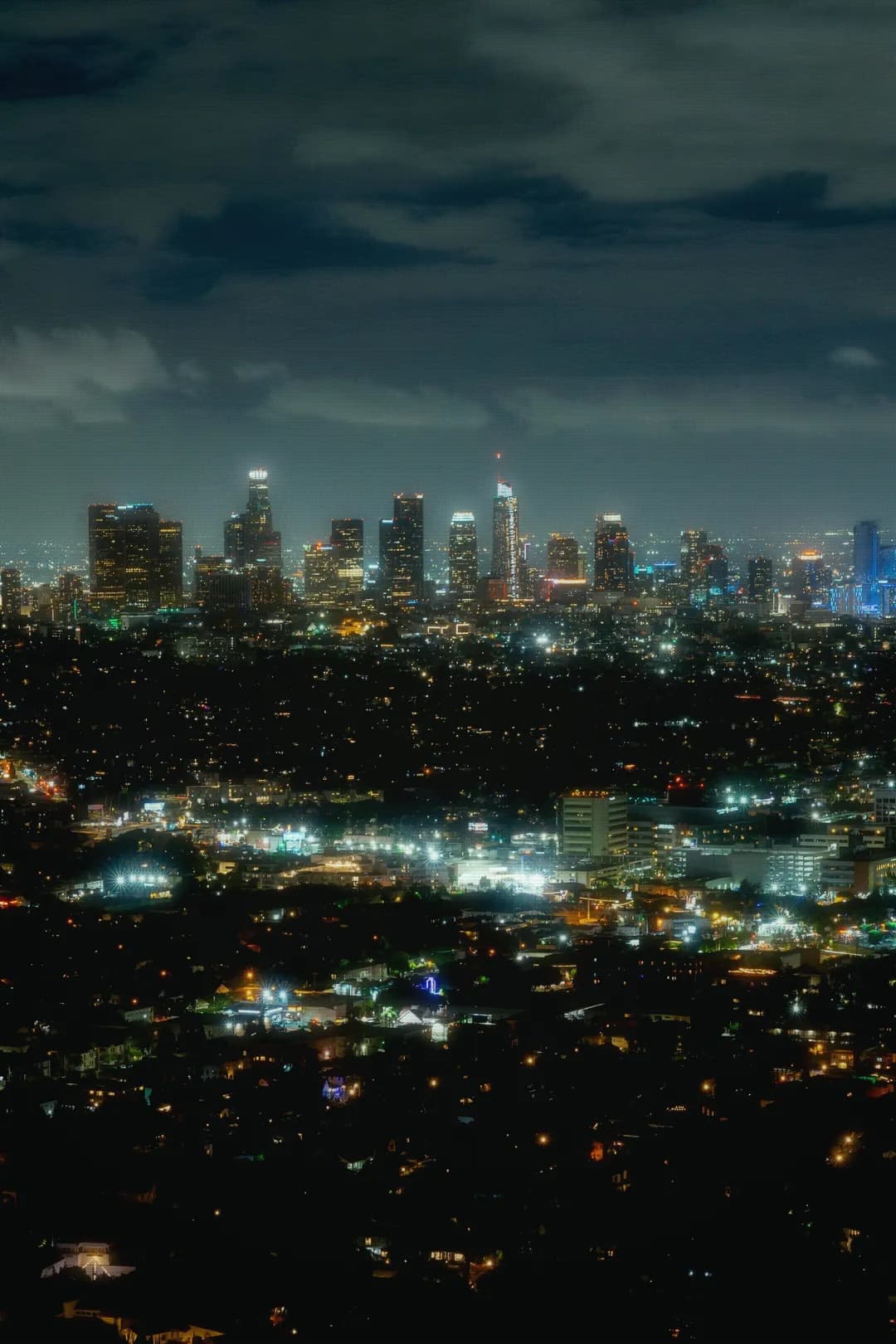
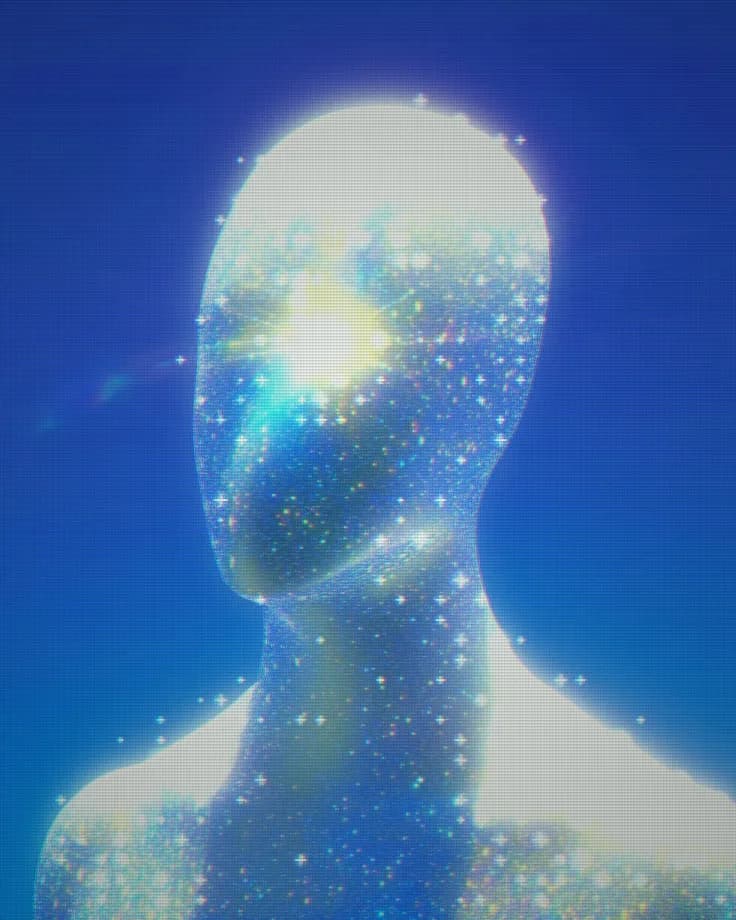
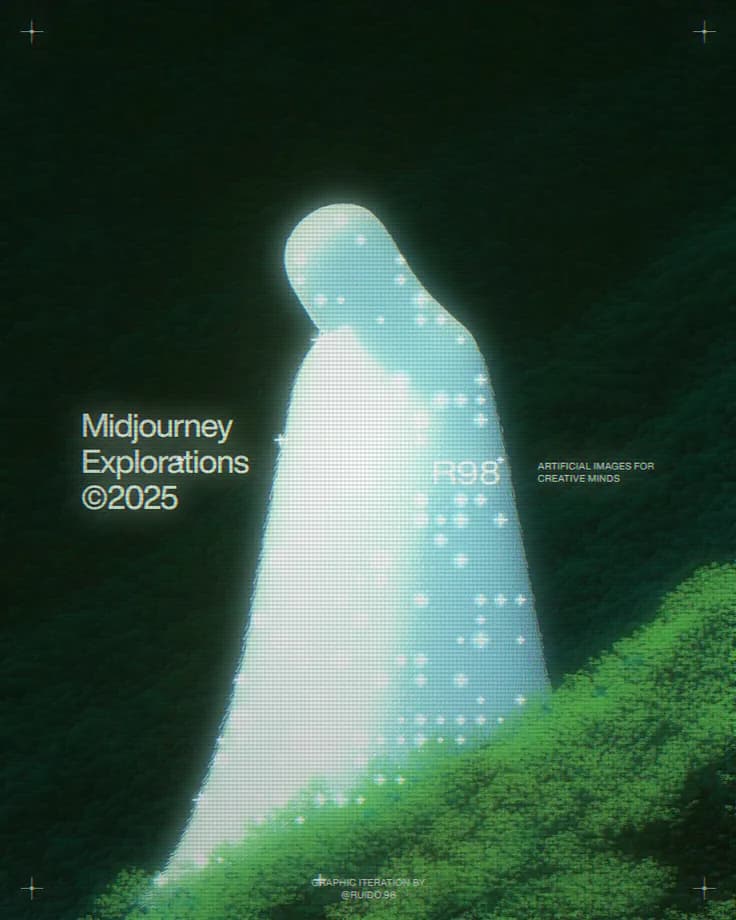
Make any photo unique in 10 seconds
See the dreamy effect in action with these examples
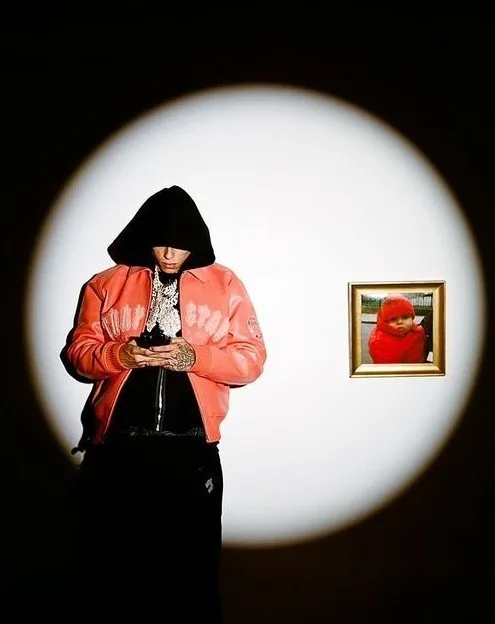
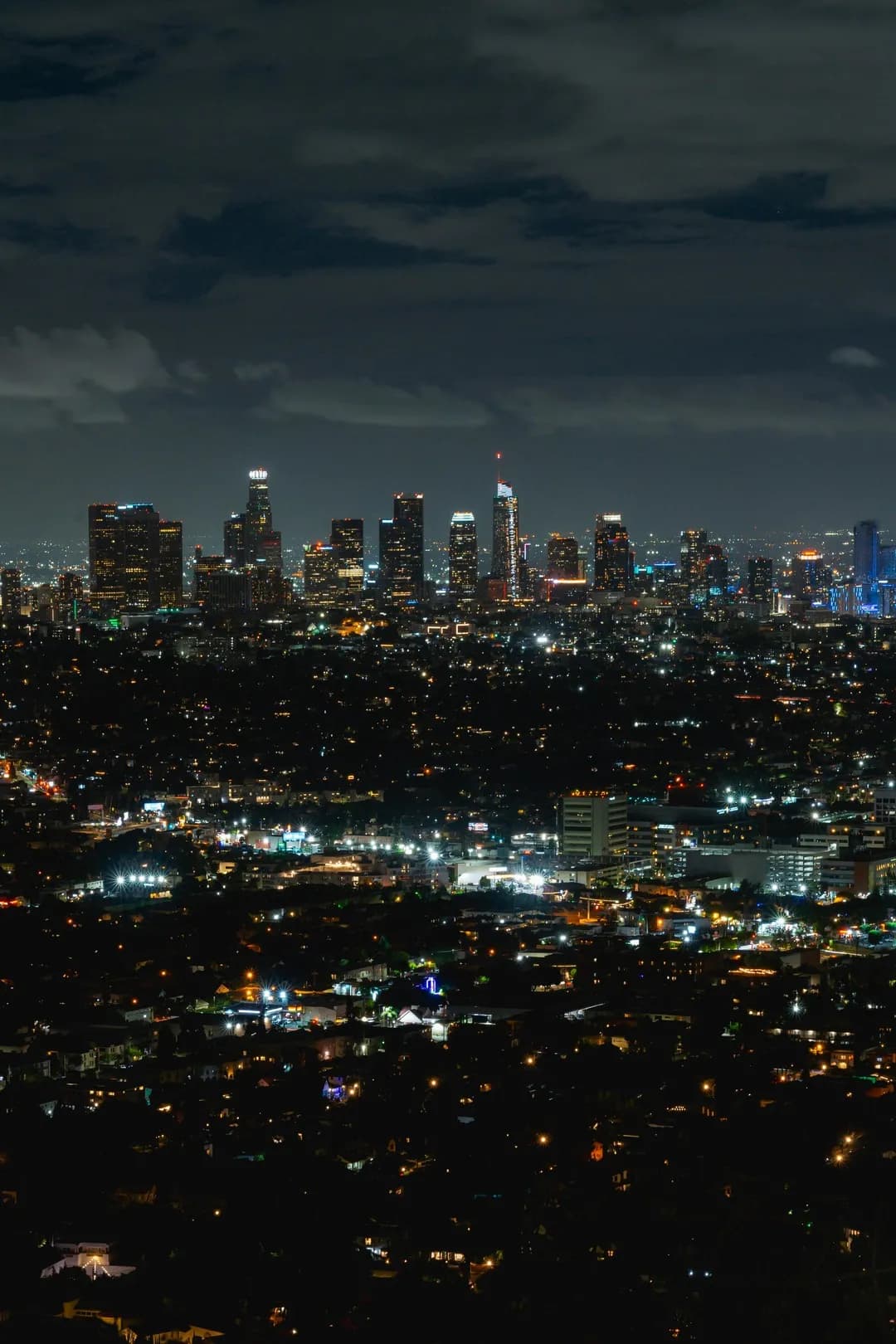
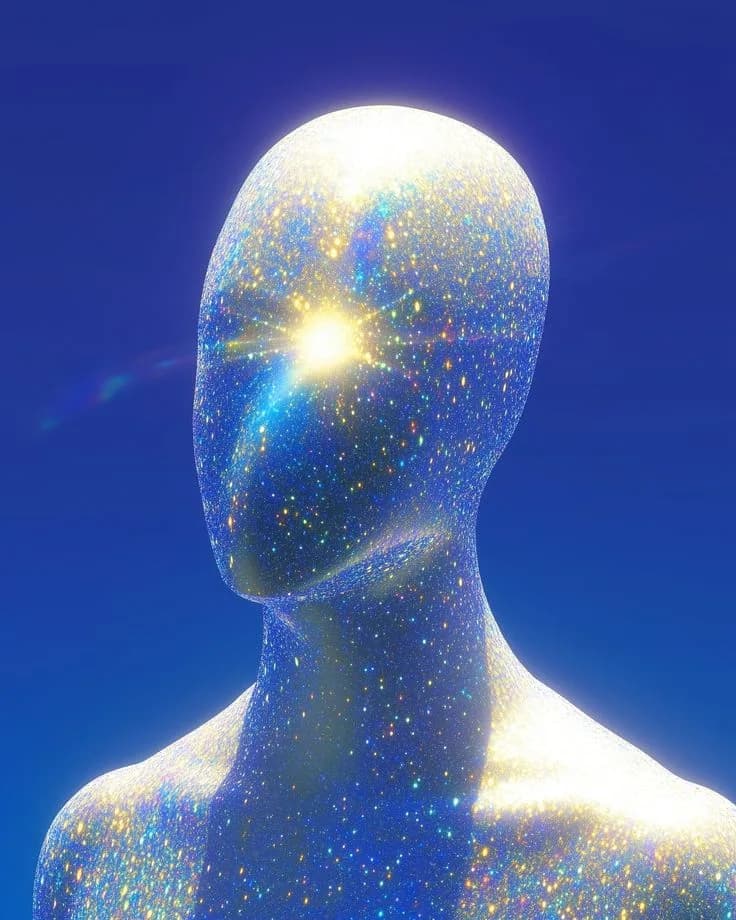
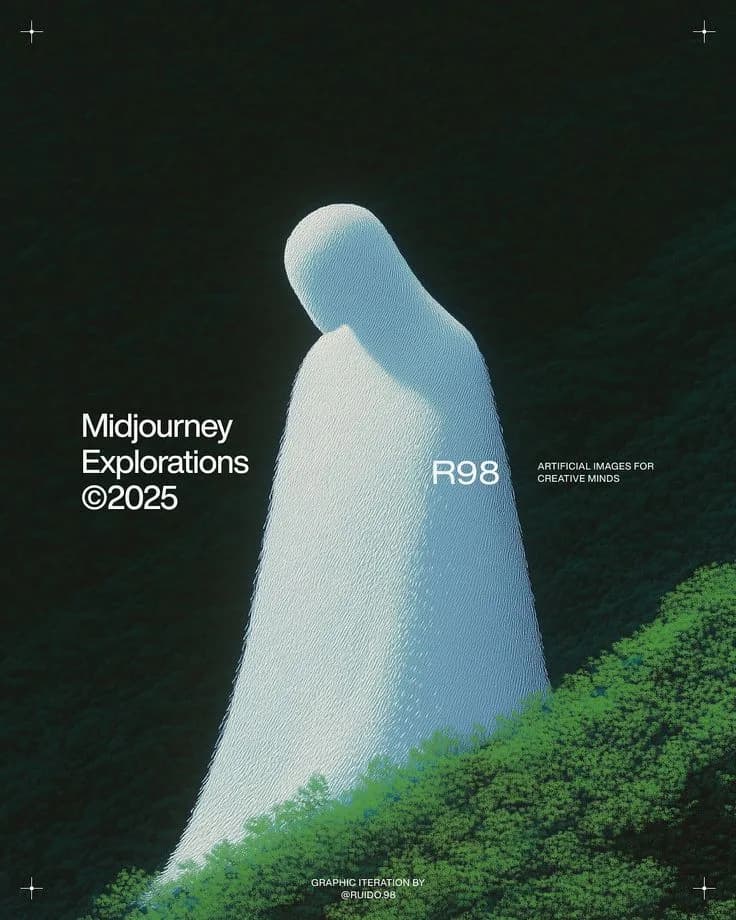
Free online photo editor for dreamy, ethereal looks
DreamyGlow is built for creators who want soft bloom, atmospheric mist, and retro light without opening a desktop suite. Upload a portrait, landscape, or product shot in the browser, pick an effect, and adjust intensity until the mood feels right. Sign in to upload. Free exports are watermarked previews; a full-resolution file is $1.99, or unlimited with a $7.99 lifetime plan.
Soft glow and glow filter emphasize luminous edges and highlight bloom for dreamy portraits and aesthetic edits. Haze wraps scenes in soft atmosphere for landscapes and outdoor frames. Vintage CRT adds scan-line nostalgia. Starlight and ethereal glow push sparkle and otherworldly light when you want something more magical. Every effect runs client-side, so images stay on your device unless you choose to save them to a dashboard account.
Photographers, social creators, and hobbyists often need a fast way to preview a look before committing to a longer edit in Lightroom or Photoshop. DreamyGlow fills that gap: open the page, drop in a photo, and compare intensity levels in seconds. Because processing stays in the browser, you can experiment on a laptop or phone without waiting for a cloud queue or installing another app.
Typical use cases include softening harsh midday portraits, adding mist to forest or coastal landscapes, giving product shots a soft luminous edge, and creating retro CRT frames for nostalgia posts. Start subtle for natural skin and daylight scenes; push radius and intensity when you want a clearer stylistic statement. Pair glow with haze when you want both bloom and atmosphere, or use CRT when color drift and scan lines matter more than softness.
If you are still learning settings, the blog guides walk through soft glow technique, haze, CRT looks, and how to get a glow effect online. Browse the full effects library to compare tools, check the FAQ for how the editor works, or read about Jeremy and DreamyGlow for who builds the product. When you are ready, jump back into the editor above and export a clean result in seconds.
DreamyGlow is intentionally focused: fewer menus, faster feedback, and effects tuned for dreamy photography rather than generic one-click filters. Whether you need a subtle soft glow for a portrait or a stronger haze for a cinematic landscape, you can iterate in the browser and keep your workflow simple — free watermarked preview, full-resolution from $1.99, or unlimited for $7.99 lifetime.
Explore DreamyGlow
All Effects
Discover all dreamy photo effects: soft glow, glow filter, haze filter, vintage CRT, starlight, and more.
Blog
Learn how to create dreamy photos with our expert guides and tutorials.
Gallery
View stunning before and after examples of dreamy photo transformations.
FAQ
Find answers to common questions about DreamyGlow and photo effects.